


MetaTrader 4 & 5
Trading Platform Overview
MetaTrader 4 (MT4) and MetaTrader 5 (MT5) are among the most widely used online trading platforms in the world, covering Forex, indices, precious metals and other CFDs. Traders choose them for robust functionality, stable performance and flexible trading tools. Both are available on TopWealth Trading.
Why Choose MetaTrader?
Intuitive Interface
Easy to use, suitable for traders of all experience levels.
Advanced Charts & Technical Analysis
Offers 30+ technical indicators, 9 timeframes, drawing tools, and multiple chart types.
Automated Trading Support (EA)
Built-in MQL4 and MQL5 programming environments allow deployment of trading robots for full automation.
Flexible Order Management
Supports market orders, pending orders, stop loss, take profit, and more.
Multi-Platform Compatibility
Available on Windows, macOS, Android, iOS, and web.
Low Resource Usage & Fast Execution
Ideal for frequent trading and strategy testing.
Download MetaTrader for Your Device
MetaTrader 4 and MetaTrader 5 are both available. Same account, same execution — pick the build that matches your operating system.
Desktop
Windows & macOS
iOS
iPhone & iPad — App Store
Mobile downloads arrive with the broker server names pre-configured. MetaTrader 4 offers TopwealthTrading-Demo and TopwealthTrading-Live; MetaTrader 5 is available on TopwealthTrading-Live only. The Live server requires an active funded account.
Multi-Platform Access
MetaTrader 4 and 5 run on desktop and mobile, and your account is managed in the browser:
Client Portal
Manage your account, deposits and withdrawals in the browser — no installation needed.
Open Client Portal
Expert Advisors
EA Automated Trading
- ✓ Execute strategies automatically using Expert Advisors (EAs)
- ✓ Develop custom EAs or install pre-existing programs
- ✓ Automatically detect market conditions and manage orders, stop losses, and take profits
- ✓ Suitable for high-frequency trading and running multiple strategies simultaneously

Technical Analysis
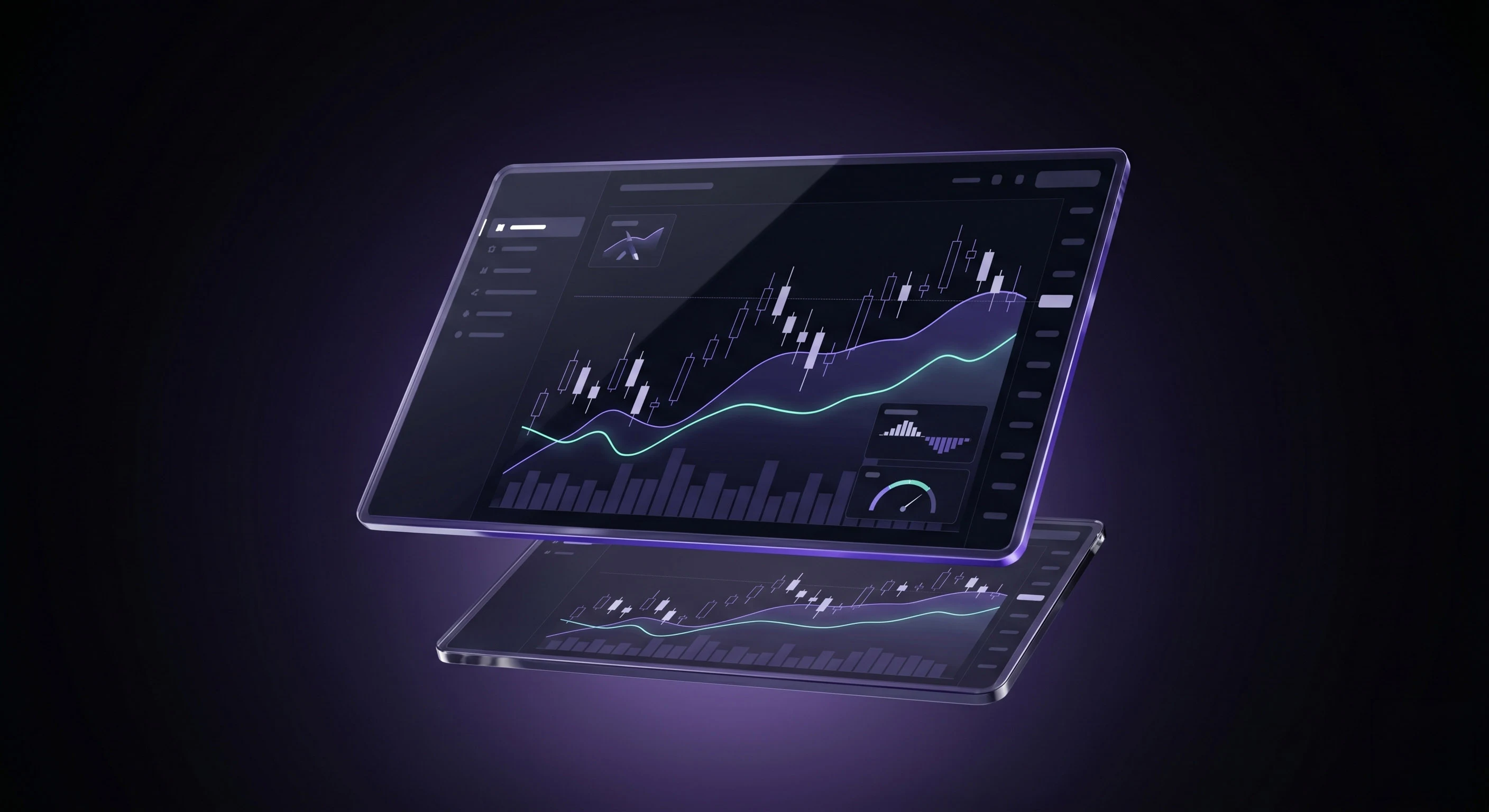
Charts & Analysis
- ✓ 9 timeframes (M1 to MN) to support multiple trading strategies
- ✓ Open multiple chart windows simultaneously
- ✓ Built-in popular indicators: MACD, RSI, Bollinger Bands, Moving Averages
- ✓ Fully customizable charts with colors, templates, and hotkeys
Advantages of Using MetaTrader on TWT
Ultra-low spreads, some account types start from 0
Fast order execution with minimal latency
High leverage support to maximize capital efficiency
Multiple account types to suit different trading styles
Convenient deposit & withdrawal system with multiple payment options
How to Get Started
Open a real or demo account with TWT
Download and install MetaTrader 4 or MetaTrader 5
Log in and start trading